
How to Use the Explore Fare Map to Find Your Next Trip
Use the Explore Fare Map to see where interesting fares can take you, compare destinations from your airport, change your origin and turn a flexible idea into a real trip.
Sometimes the hardest part of planning a trip is not finding a flight. It is deciding where to go in the first place.
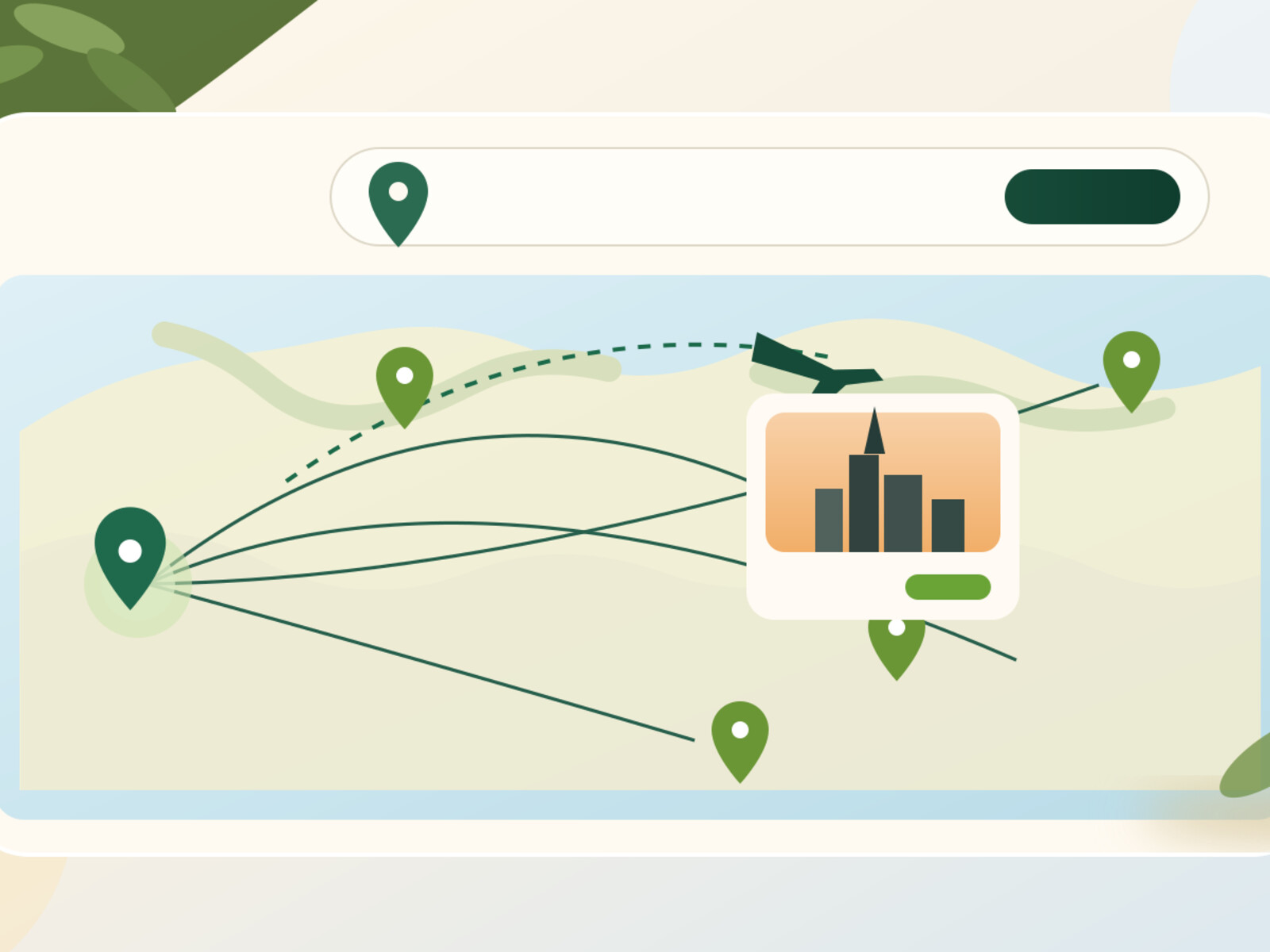
That is exactly what the Travel by Persisca Explore Fare Map is built for. Instead of forcing you to begin with a destination, it lets you begin with your departure city or airport and look outward. You can see where interesting fares are appearing, move around the map, change your origin, and use the prices as inspiration for a trip you may not have been searching for at all.
If you are flexible about destination, dates, or both, a fare map can be one of the most useful ways to start travel planning. This guide explains how to use the Explore Fare Map properly, what the prices mean, how to compare the ideas it gives you, and what to do next when one destination catches your eye.
What is the Explore Fare Map?
The Explore Fare Map is a visual flight-discovery tool on Travel by Persisca. You choose an origin city or airport, and the map shows destinations around the world with fares connected to that starting point.
Think of it as the opposite of a normal flight search.
With a normal flight search, you already know something like:
- I want to fly from Vancouver to Paris.
- I want to leave on a specific Friday.
- I need to return a week later.
With the Explore Fare Map, you can start much more loosely:
- I am leaving from Vancouver.
- I have vacation time coming up.
- I want to go somewhere interesting.
- I would love to know which destinations have attractive fares.
That makes the map especially useful for flexible travellers, spontaneous trips, shoulder-season planning, long weekends, and those lovely moments when the destination is still completely open.
Step 1: Open the Explore Fare Map
Go to the Explore Fare Map from the Travel by Persisca navigation.
The page may already recognize a useful starting point, but you are never stuck with it. At the top of the map is an origin selector where you can type a city or airport and choose the correct result.
For example, you could search:
- Vancouver or YVR
- Toronto or YYZ
- Los Angeles or LAX
- London or LHR
- Paris or CDG
Travel by Persisca uses airport-aware autocomplete, so selecting the suggestion is important. That tells the map exactly which airport or city code you want rather than treating the text as a guess.
Step 2: Start with the airport you would realistically use
The best Explore results begin with a realistic origin.
If Vancouver International Airport is the airport you normally use, start with YVR. But if you are willing to drive to another airport, it can be worth running the same exploration more than once.
Someone in British Columbia, for example, might compare Vancouver with Seattle or another practical departure point. A traveller in Southern Ontario may want to compare Toronto with nearby alternatives when the trip is important enough to justify the extra ground travel.
The key is to compare the whole trip, not just the number on the map. A cheaper flight from a distant airport may stop being cheaper once parking, fuel, a hotel night, train tickets, or several extra hours are added.
Step 3: Let the map give you ideas before you narrow anything down
This is the part people often rush.
Do not open the fare map and immediately search only for the place you already had in mind. Give the map a chance to do what it is good at: showing you destinations you were not actively considering.
Move your eyes around the map and look for combinations of:
- a destination you genuinely want to visit,
- a fare that looks interesting,
- a region where several cities are close together,
- or a price that makes a longer trip suddenly feel possible.
You might open the map thinking about Western Europe and discover that another region is pricing better. Or you may notice that flying into one city creates an easy train connection to the place you actually wanted to visit.
That is why Explore is useful. It changes the first question from “How much is Paris?” to “What can I do with this travel budget?”
Step 4: Treat the fare as a discovery signal, not a guaranteed final price
Fare maps are designed for exploration. Airline inventory moves constantly, and prices can change between the moment a fare is observed and the moment you continue into a live booking flow.
So when you see a price you like, treat it as a strong lead rather than a promise.
The final price, exact dates, baggage rules, connection details, cabin, ticket conditions, and availability are determined in the live search and by the airline or travel agency completing the booking.
This distinction matters because the map is most powerful when used for discovery. It tells you where to look more closely.
Step 5: Click into the destination and run a proper flight search
Once a destination looks promising, move from exploration into comparison.
Open the regular Travel by Persisca flight search and enter the route with your actual dates. That is where you can compare the itineraries that fit the trip you are really planning.
At this point, look beyond the headline price. Compare:
- departure and arrival times,
- total journey duration,
- number of stops,
- connection length,
- airport changes,
- baggage terms,
- and the booking provider.
A slightly more expensive itinerary can easily be the better trip if it removes an overnight connection or gives you most of an extra day at the destination.
Step 6: Compare Economy and Business Class when the route is long enough
For short flights, the Economy option will often be the sensible baseline. For long-haul travel, it can be worth checking Business Class separately.
You do not need to assume Business Class will be affordable, and you do not need to assume it will be ridiculous either. The useful thing is simply knowing the difference for your route and dates.
On an overnight flight, a better seat, lounge access, baggage allowance, priority treatment, and the ability to sleep may change the value calculation. On other trips, the Economy fare may be so much lower that you would rather spend the difference on the destination.
Explore can help you find the route. The cabin comparison helps you decide how you want to travel it.
Step 7: Change the origin and compare again
One of the nicest parts of the Explore page is that you can change the origin at any time.
Use the field above the map, type another city or airport, select it from the suggestions, and choose Show fares from here. The map refreshes around the new starting point.
This is useful for more than comparing home airports.
- Multi-city trips: see what is attractive from the second city on your itinerary.
- Visiting family: compare fares from their airport to yours and yours to theirs.
- Positioning flights: see whether a major international hub opens better long-haul options.
- Open-jaw planning: explore where you could continue after arriving in one region.
If you are building a trip with several stops, you can also use the Route Explorer to think about how the pieces fit together.
Step 8: If the destination is right but the fare is not, create a Price Alert
Sometimes the map does its job perfectly: it gives you the destination. The problem is that the live fare is not quite where you want it yet.
That is where Price Alerts become useful.
Instead of repeatedly searching the same route every morning, create an alert and let Travel by Persisca keep the route on your radar. It is especially useful when your trip is still weeks or months away and you have enough flexibility to watch before making the decision.
The important part is not to wait forever for an imaginary perfect fare. Use the alert as another piece of information, then book when the price, itinerary, and dates make sense together.
Three smart ways to use the fare map
1. “I have $1,000 and I want to go somewhere”
This is probably the purest use of Explore. Start from your home airport, scan broadly, and make a shortlist based on destinations that genuinely interest you. Then run live searches for those finalists.
2. “I know the region, but not the city”
Maybe you know you want Europe, Southeast Asia, or the Caribbean, but the exact airport is flexible. The map can help you compare gateways. A lower fare into one city can sometimes create a better overall trip, especially when trains or short regional flights make onward travel easy.
3. “I want a surprise long weekend”
For a shorter trip, use the map differently. Prioritize destinations with manageable flight times and good schedules. A fare that is $40 cheaper is not necessarily a better weekend if it requires a twelve-hour connection.
What the Explore Fare Map is especially good at
The map is strongest when you have flexibility. It is useful for:
- finding destinations you had not considered,
- comparing the general fare landscape from one airport,
- spotting regions that may be interesting for a future trip,
- giving shape to an undecided vacation,
- and turning “I want to go somewhere” into a shortlist you can actually research.
It is not meant to replace the final live flight search. It is the beautiful first layer before that search.
A simple Explore Fare Map workflow
- Open the Explore Fare Map.
- Choose your real departure city or airport.
- Scan broadly before deciding where you want to go.
- Shortlist two or three destinations with interesting fares.
- Run a live flight search for your actual dates.
- Check Business Class too if the route is long-haul.
- If the trip is right but the fare is not, create a Price Alert.
Start with the map, not the answer
Travel planning usually begins with a destination because that is how search forms are built. But sometimes the better trip begins with a different question:
Where can I go from here?
That is what the Travel by Persisca Explore Fare Map is for.
Choose your origin, look around, let the map surprise you a little, and only then turn the interesting possibilities into proper flight searches.
Open the Explore Fare Map and see where the fares take you →